0. For those unfamiliar with Velocity Based Training
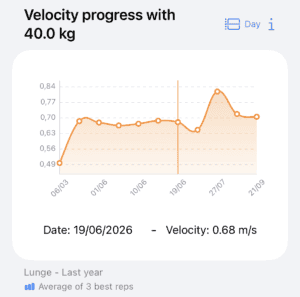
Velocity Based Training (VBT) consists of monitoring the execution velocity of repetitions performed with maximum intent to prescribe and control strength training objectively. VBT allows you to adjust the daily load based on fatigue levels, motivate athletes through real-time feedback, and accurately track long-term progress. By measuring velocity, you can determine exactly what percentage of the one-rep max (%1RM) is being lifted without the need for reaching muscle failure during testing.
In this link, you can ask questions to our custom NotebookLM, powered by high-quality sources, to learn more about VBT and how to apply it using Spleeft.
1. Download Spleeft and try it yourself first
To supervise your athletes, you must first master the tools they will be using. Download the app and try measuring velocity yourself with your iPhone or Apple Watch. The app will guide you through the process. You can even test it from home; there’s no need to go to the gym for your first trial.
2. Connecting Athlete and Coach
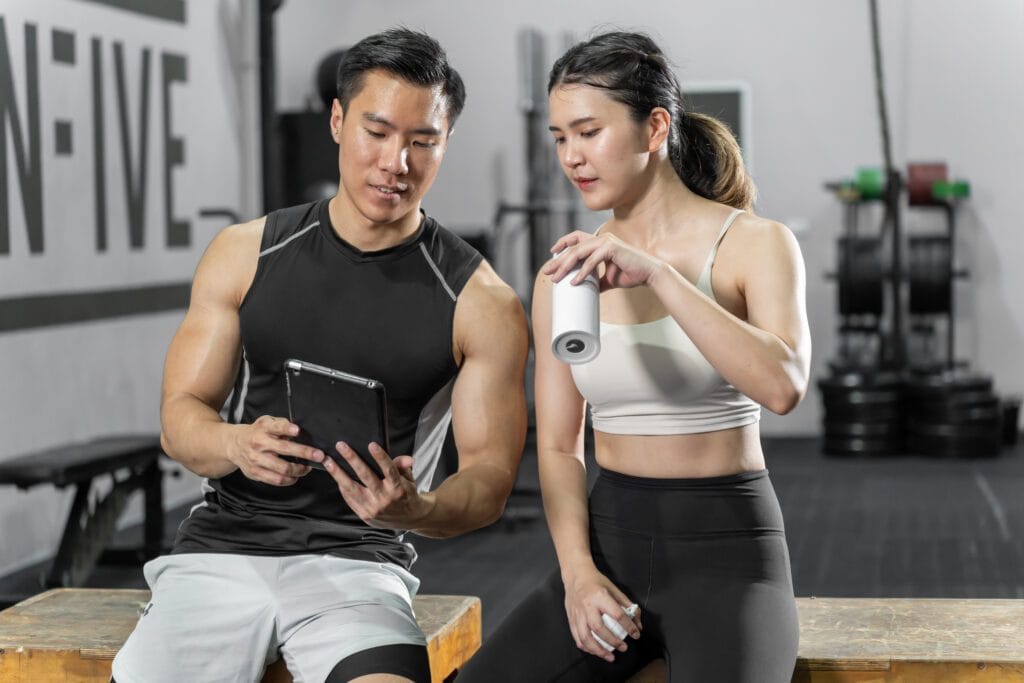
Ask your athletes to download Spleeft and follow this path: Profile → Share with a coach. There, they should generate a link and send it to you via message or email. By clicking the link, you will accept the invitation, and their data will begin appearing in your profile. Remember that as a coach, you need an active Spleeft Coach subscription to add athletes to your account.
Once this step is complete, you will automatically receive your athletes’ data on your devices.
3. Data import and storage management
If your athletes run out of iCloud storage or use Android devices with manual encoders, there are alternatives for receiving their information. Athletes can export raw data from a specific day in their history and send you the file for a quick import into your app. Additionally, Spleeft supports the manual import of .xlsx and .csv files, as well as data from other velocity-measuring devices.
4. Syncing with TrainingPeaks
For an even more convenient workflow, ask your athletes to link their accounts under Settings → TrainingPeaks. Once linked, session data will be uploaded automatically. You will be able to see the execution velocity in the “Velocity/KPH” channel and the load in the “Cadence/RPM” channel. An AI-generated summary will be included in the comments so you can quickly decide if a deeper analysis is needed.
5. Teach them how to measure with their iPhone or Apple Watch
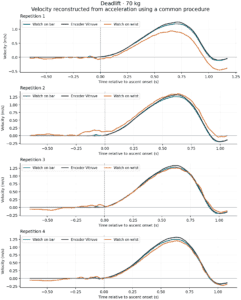
Accuracy depends on proper measurement technique. Instruct your athletes to pause briefly between reps (less than a second is usually enough) to allow the algorithm to recalibrate the signal. They should wait for the on-screen indicator to turn green (or for the Apple Watch to vibrate in “Boost” mode) before starting the next rep. It is fundamental that they perform the concentric phase with maximum voluntary intent for the data to be valid for load adjustments.
Spleeft is a validated tool, but you must know how to use it correctly.
6. Syncing with other devices
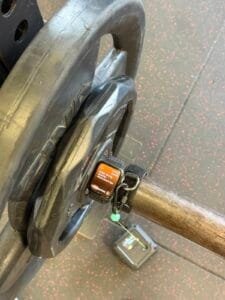
If they already work with other systems, teach your athletes to use the iOS “Action extension.” From their device’s app (such as Vitruve, ADR Encoder, or OVR), they should tap “Share” and select “Sync VBT data with Spleeft.” Spleeft is directly compatible with devices like OVR Velocity and OVR Jump, centralizing all VBT and jump data in one place. If they use a non-native device, Spleeft uses an AI model to process and save the data in its format.
We provide this notebook for you to ask any questions you may have. Remember, if you represent a club or organization, you can contact us at info@spleeft.app for personalized assistance with your VBT implementation.